
In a world where we're constantly juggling tasks—whether it's managing a busy household, keeping up with work deadlines, or staying connected with loved ones—having the right tools can make all the difference. Tablets have long been hailed as versatile companions, but not all are created equal. Enter the desktop tablet L-type series: a line of devices designed to blend the portability of a tablet with the functionality of a desktop, all powered by a long-lasting battery that frees you from the hassle of constant charging. Today, we're diving deep into what makes these devices so practical, exploring their design, features, and real-world applications that make them a standout choice for homes, offices, and even specialized fields like healthcare.
Think about the last time you wished your tech could keep up with your day. Maybe you needed a device to display your family calendar in the kitchen, but the outlet was already occupied by the coffee maker. Or perhaps you had a last-minute meeting in a conference room with no available power sockets, and your laptop died halfway through. The L-series was built to solve these everyday frustrations. Let's start by breaking down what sets them apart.
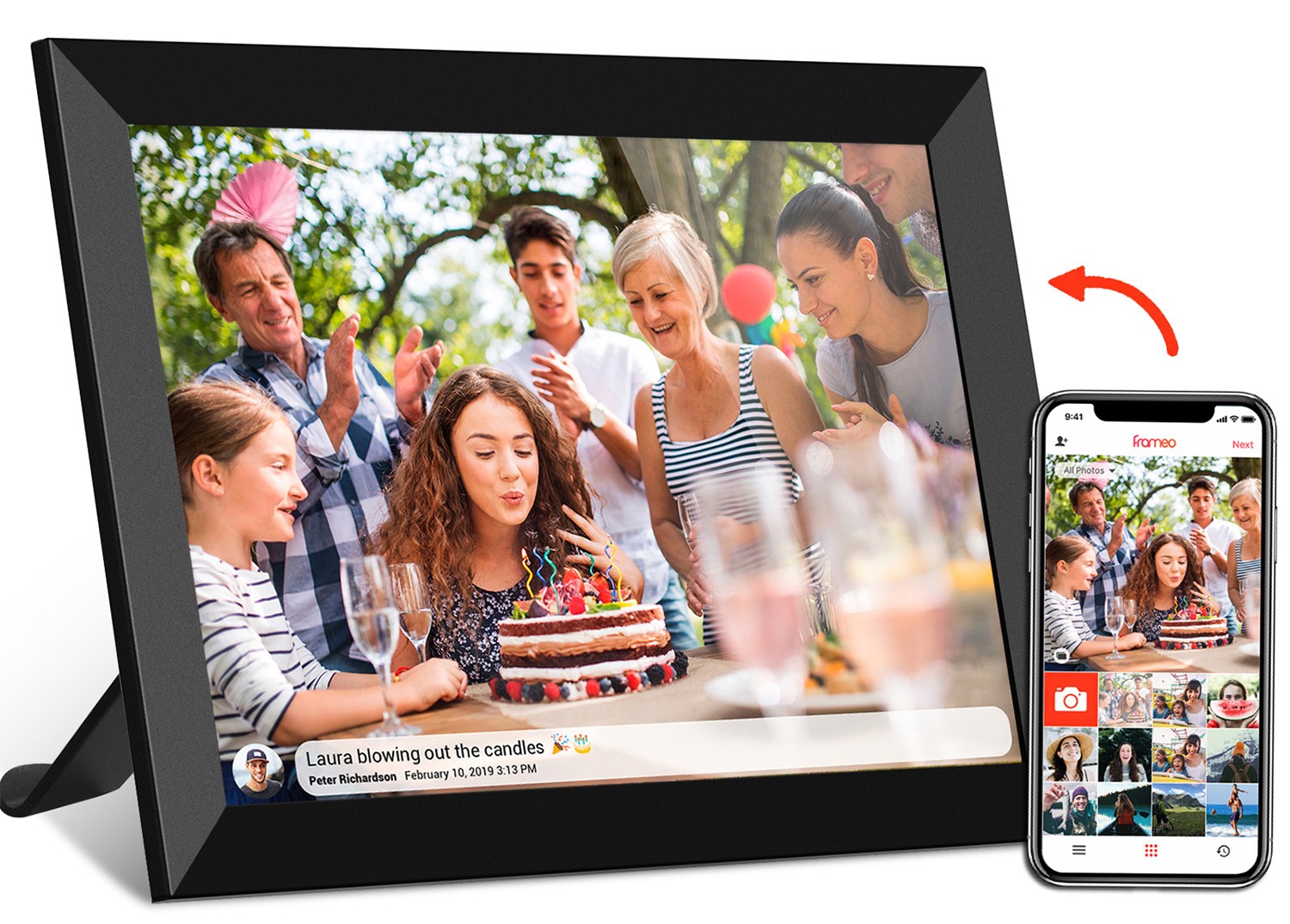
First impressions matter, and the desktop tablet L-type series doesn't disappoint. As the name suggests, these tablets feature an L-shaped design—meaning they come with a built-in stand that props the screen at the perfect angle for viewing, typing, or interacting. No more fumbling with separate stands or propping your tablet against a stack of books; the L-shape is integrated seamlessly, giving the device a sleek, polished look that fits right into any environment, from a modern home office to a busy hospital ward.
Most models in the L-series sport a 10.1-inch screen, a size that strikes a sweet spot between portability and usability. It's large enough to comfortably read documents, watch videos, or display photos, yet compact enough to move from room to room without feeling cumbersome. The display itself is vibrant, with sharp colors and clear text, making it easy on the eyes whether you're scrolling through emails at 9 AM or catching up on a cooking tutorial at night. And unlike some bulkier tablets, the L-series is lightweight—you can pick it up with one hand and carry it to the couch, the dining table, or even outside to the patio without breaking a sweat.
Durability is another key design feature. The (outer casing) is made from a sturdy plastic that resists scratches and minor bumps, making it a great choice for busy households with kids or high-traffic offices. Some models even come with a protective cover that doubles as a keyboard, though the standard L-shape stand is more than enough for most daily tasks. Whether you're using it on a cluttered desk or a kitchen counter, you can trust it to hold up to the wear and tear of everyday life.
Let's talk about the star of the show: the battery. What truly makes the L-series a "desktop tablet" is that it's battery-powered, meaning you're not tied to a power outlet. Imagine starting your morning by checking the weather and your to-do list on the L-series in the kitchen, then moving it to your home office for a few hours of work, then taking it to the living room to video chat with a friend in the afternoon—all without ever plugging it in. That's the reality with these devices.
Most L-series models boast a battery life of 6–8 hours on a single charge, depending on usage. For light tasks like browsing the web, checking emails, or displaying a digital calendar, you might even get closer to 10 hours. Heavy use—like streaming videos or video conferencing—will drain it faster, but even then, 4–5 hours is impressive for a device of this size. And when it does need a recharge, the included fast-charging adapter gets it back to 50% in just 30 minutes, so you're never stuck waiting around for long.
Compare this to traditional desktop tablets or all-in-one displays, which often require a constant power source. Those devices are great if you have a dedicated spot with an outlet, but they lose all functionality the moment you need to move them. The L-series, by contrast, gives you the best of both worlds: the stability of a desktop setup and the freedom to take it wherever you need it most.
Under the hood, the L-series runs on the Android operating system, making it an android tablet pc that's familiar and easy to use for anyone who's ever owned a smartphone or tablet. This means access to the Google Play Store, where you can download thousands of apps—from productivity tools like Microsoft Office and Google Workspace to entertainment apps like Netflix and Spotify, and even specialized software for healthcare or education.
Connectivity is another strong suit. All models come with built-in Wi-Fi and Bluetooth, so you can connect to your home or office network, pair wireless headphones, or sync with other devices like printers or smart home hubs. Some higher-end models even include USB-C ports for fast data transfer or connecting external monitors, though the tablet's 10.1-inch screen is more than enough for most tasks. Storage options vary, but many L-series tablets offer 32GB of internal storage (with the ability to expand via microSD cards), giving you plenty of space to save photos, documents, and apps without worrying about running out of room.
The touchscreen is responsive and intuitive, making navigation a breeze—whether you're swiping through a presentation, typing a quick note, or zooming in on a photo. And for those who prefer a physical keyboard, many models are compatible with Bluetooth keyboards, turning the L-series into a makeshift laptop when you need to get some serious typing done.
Now, let's get to the good stuff: how the L-series fits into real life. We've touched on its design and features, but what makes it truly practical is how it adapts to different roles. Let's explore some of the most common (and most useful) ways people are using these devices.
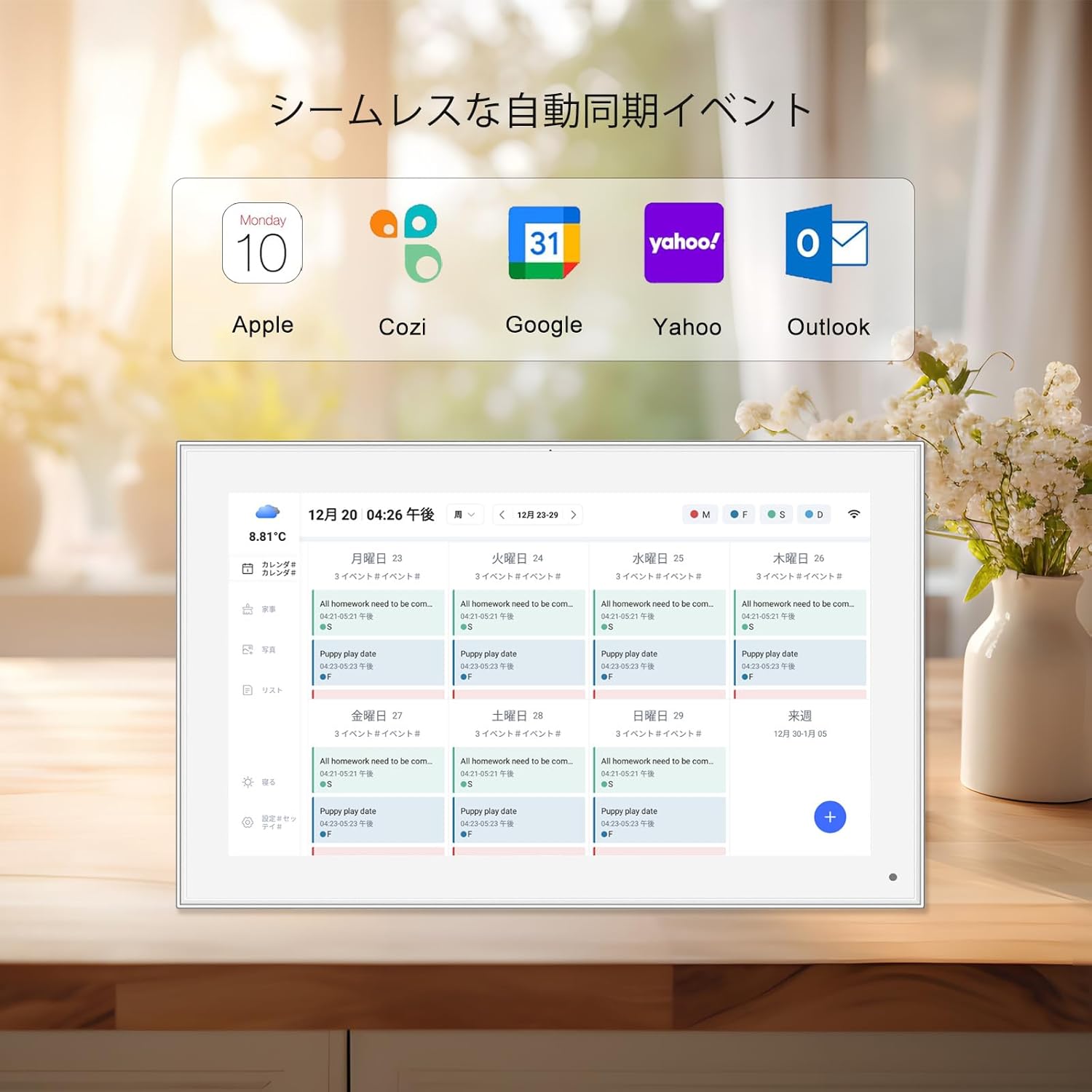
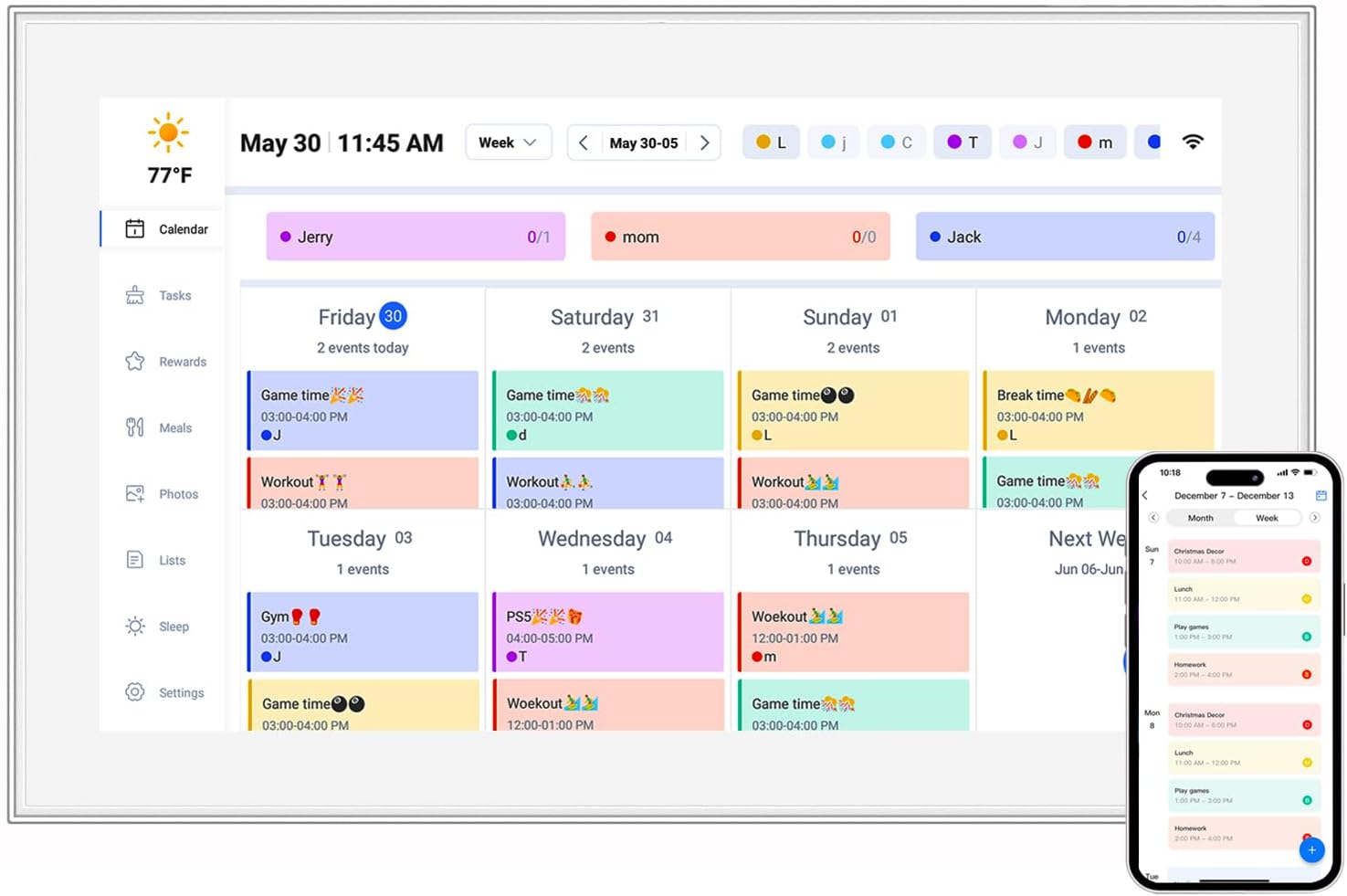
In the home, the L-series excels as a central hub for family organization. Imagine placing it in your kitchen: use it to display a digital calendar (complete with reminders for doctor's appointments, school events, and birthdays), stream recipes while you cook, or even video call a family member while you're prepping dinner. Because it's battery-powered, you can move it to the living room in the evening to watch a movie, then back to the bedroom to check emails before bed—no cords, no fuss.
For families with kids, the L-series can double as a kids tablet pc. Load it up with educational apps, e-books, and games, and let your little ones use it for learning or entertainment. The durable design holds up to accidental drops (though we still recommend supervision!), and the parental controls available on Android let you set screen time limits and restrict access to inappropriate content. It's a great alternative to buying a separate kids' tablet, as the L-series can grow with your child—from a toy for toddlers to a study tool for older kids.
In the workplace, the L-series shines as a meeting room digital signage solution. Instead of relying on bulky projectors or expensive smart boards, you can use the L-series to display presentations, share agendas, or take collaborative notes in real time. Because it's portable, you can set it up in any conference room, and since it's battery-powered, you don't have to worry about finding an outlet in a room that's already packed with chairs and tables.
Remote teams will appreciate its video conferencing capabilities, too. With apps like Zoom and Google Meet, the L-series becomes a portable meeting station—perfect for impromptu huddles or client calls. And because it's lightweight, you can even take it to off-site meetings or job sites, ensuring you always have a reliable device to share slides or review documents with clients.
For individual workers, the L-series makes a great secondary monitor or a standalone productivity tool. Keep it on your desk to display your email inbox or to-do list while you work on your laptop, or take it to a quiet corner of the office for focused work. Its compact size means it won't take up much space, and the battery ensures you can work unplugged for hours.
One of the most impactful applications of the L-series is in healthcare, where it serves as a medical tablet pc that helps streamline workflows and improve patient outcomes. In clinics and hospitals, doctors and nurses are constantly on the move, needing quick access to patient records, medication schedules, and treatment plans. A traditional desktop computer is too stationary, and a laptop can be heavy to carry around all day. The L-series, with its lightweight design and long battery life, is the perfect solution.
Imagine a nurse making rounds: they can carry the L-series from room to room, pull up a patient's chart with a few taps, update notes in real time, and even show the patient their test results on the clear 10.1-inch screen. The battery ensures it lasts through an entire shift, and the durable build can withstand the occasional bump or spill (though, of course, healthcare facilities still take precautions to keep devices sanitized). Some models even come with features like barcode scanners for medication verification, making them even more valuable in clinical settings.
For patients, the L-series can be used to display educational materials, entertainment, or even video calls with family members—all from the comfort of their hospital bed. It's a small touch that can make a big difference in a patient's experience, turning a sterile hospital room into a more welcoming space.
To really understand the practicality of the L-series, it helps to see how it compares to other common devices. Let's take a look at a few alternatives and how the L-series measures up:
| Feature | Desktop Tablet L-series | Traditional Desktop PC | Standard Tablet (non-battery-powered) | Medical-Grade Dedicated Tablet |
|---|---|---|---|---|
| Portability | High (battery-powered, lightweight) | Low (tied to power outlet, heavy) | High, but no built-in stand | Medium (often bulky with specialized features) |
| Screen Size | 10.1-inch (ideal for most tasks) | 19+ inches (great for multitasking, but large) | 7–12 inches (varies, but no stand) | 10–15 inches (specialized displays) |
| Battery Life | 6–8 hours (all-day use) | 0 hours (requires constant power) | 4–6 hours (but limited by lack of stand) | 4–6 hours (bulkier batteries) |
| Cost | Mid-range (affordable for most budgets) | High (plus monitor, keyboard, mouse) | Mid-range (but needs separate stand) | High (specialized hardware/software) |
| Versatility | High (home, office, healthcare, education) | High (but stationary) | High, but limited by ergonomics | Low (only for healthcare use) |
As you can see, the L-series carves out a unique niche by offering a balance of portability, battery life, and functionality that's hard to find in other devices. It's not the most powerful device on the market—that title goes to desktop PCs or high-end laptops—but for everyday tasks and on-the-go use, it's hard to beat.
Numbers and specs tell part of the story, but hearing from real users is where the practicality of the L-series truly comes to life. Let's take a look at a few testimonials from people who've integrated these devices into their daily routines:
"As a busy mom of two, I needed something to keep our family organized without cluttering the kitchen counter. The L-series has been a game-changer! I use it to display our digital calendar, sync grocery lists, and even let the kids watch educational videos while I cook. The battery lasts all day, so I can move it from the kitchen to the living room in the evening. Plus, the L-shape stand means it never tips over when the kids grab it to play their learning games."
"In our small office, we're always short on conference rooms with power outlets. The L-series solved our meeting problem! We keep a few charged up, and now we can host impromptu meetings anywhere—even the break room. The Android system lets us run all our productivity apps, and the screen is big enough for everyone to see presentations. No more fighting over who gets the 'plugged-in' room!"
"As a nurse, I'm constantly moving between patient rooms, and carrying a laptop around all day was exhausting. The L-series medical tablet pc is lightweight, has a battery that lasts my entire shift, and the touchscreen makes updating patient records a breeze. I can pull up charts, scan medication barcodes, and even show patients their X-rays on the clear screen. It's made my job so much more efficient, and patients love being able to see their info right away."
After exploring all its features and applications, it's clear that the desktop tablet L-type series is more than just another tech gadget—it's a practical tool designed to simplify daily life. Whether you're a busy parent, a professional who needs flexibility in the office, or a healthcare worker looking for a reliable device to improve patient care, the L-series has something to offer.
Its battery-powered design frees you from cords, the L-shape stand provides stability wherever you go, and the Android operating system ensures it's easy to use and adaptable to your needs. It's not the most powerful device on the market, but for most people, that's okay—what matters is that it does the job well, without unnecessary complexity or limitations.
So, if you're tired of being tied to power outlets, need a device that can keep up with your on-the-go lifestyle, or want a versatile tool that can work in multiple settings, the L-series is worth considering. It's a reminder that sometimes, the most practical tech isn't the flashiest or the most expensive—it's the one that fits seamlessly into your life, making every day a little easier.
At the end of the day, the true measure of a device's practicality is how much it improves your daily routine. For the L-series, the answer is clear: it's not just a tablet—it's a partner in getting things done, wherever life takes you.