
We've all been there: you unbox a shiny new gadget—a kids instant print camera for your little one, a fancy kitchen appliance, or maybe a tech-savvy tool for work—and the first thing you reach for is the instruction manual. But more often than not, that manual is a dense, text-heavy booklet filled with tiny font, confusing diagrams, and jargon that might as well be in a foreign language. You squint, flip pages back and forth, and by the time you think you've figured it out, your excitement has fizzled, and you're left feeling more frustrated than informed. What if there was a better way? Enter the battery-powered video manual—a game-changer in how we learn to use new products. In this article, we'll dive deep into what makes these interactive guides so revolutionary, exploring their key features, real-world benefits, and why they're quickly replacing traditional paper manuals. Plus, we'll take a closer look at how formats like the 7inch video brochure are making learning on the go easier than ever.
Let's start by acknowledging the elephant in the room: traditional instruction manuals are, for lack of a better word, outdated. They were designed for a time when information was primarily consumed through text, and visuals were a luxury. But in 2025, we live in a world of short-form videos, interactive apps, and instant gratification. A 50-page booklet filled with technical terms just doesn't cut it anymore. Here's why:
They're passive. Reading a manual is a one-way street. You absorb information, but there's no way to ask questions, pause to rewatch a step, or skip to the part you actually need. If you miss a sentence, you're stuck flipping back pages.
They're not visual enough. Most people are visual learners. A diagram of a button press can only do so much—watching someone actually press that button, navigate a menu, or troubleshoot an error is infinitely more helpful. Traditional manuals rely on static images, which often fail to capture motion or context.
They're not portable (in the right way). Sure, a paper manual is lightweight, but try carrying it around while you're setting up a product. You end up balancing it on a counter, getting it dirty, or losing your place. And if you need to reference it later? Good luck finding that specific page again.
They ignore accessibility. For people with visual impairments, dyslexia, or language barriers, text-heavy manuals are a major obstacle. Font sizes are too small, translations are often clunky, and there's no audio alternative for those who can't read easily.
Real-Life Frustration: Maria, a busy mom of two, recently bought a kids instant print camera for her 6-year-old daughter's birthday. She was excited to help her daughter start taking photos and printing them instantly, but the manual was a 20-page booklet with tiny text and vague instructions. "I spent 20 minutes trying to figure out how to load the paper," she recalls. "The diagram showed a picture of the paper slot, but it didn't explain if the paper should face up or down. By the time I guessed correctly, my daughter had lost interest, and I was stressed. I wish there had been a video showing exactly how to do it."
This is where battery-powered video manuals come in. They're designed to solve all these pain points—and more—by combining the portability of a manual with the interactivity of a video tutorial. Let's break down what they are and how they work.
At its core, a battery-powered video manual is exactly what it sounds like: a small, portable device (often resembling a video brochure or a slim tablet) that contains pre-loaded video content, audio guides, and interactive features to walk users through setting up, using, and troubleshooting a product. Unlike a regular video you might watch on YouTube, these manuals are designed specifically for the product in question—no generic content, no ads, just targeted guidance. And because they're battery-powered, you don't need to plug them in while using them—perfect for on-the-go setup or quick reference.
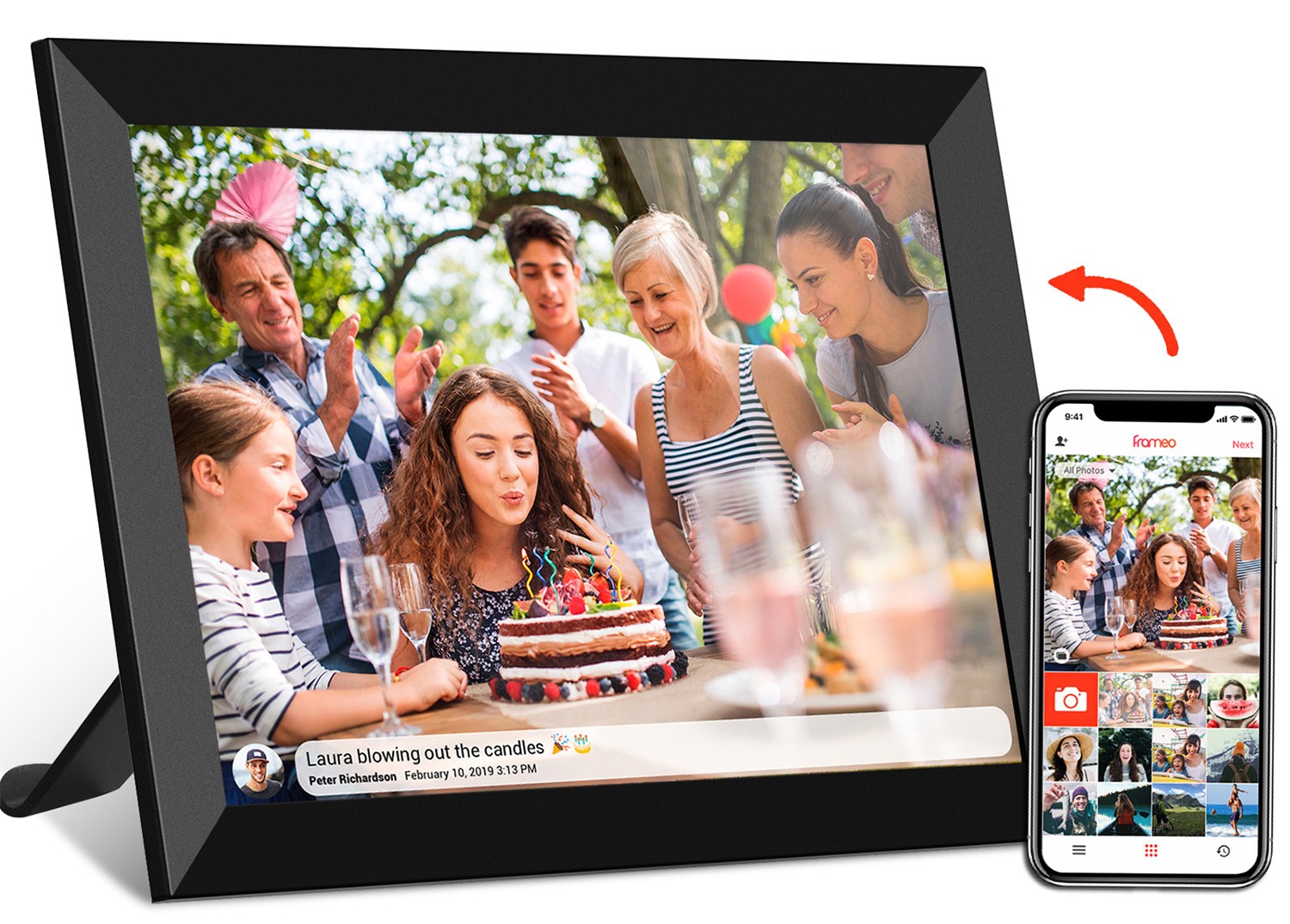
Think of it as a "mini TV" for your product. Most models are compact—like the 7inch video brochure , which fits easily in one hand—and feature a built-in LCD screen, speakers, and a rechargeable battery that lasts for hours (some even days) on a single charge. They often come pre-packaged with the product, so you don't need to download an app or connect to Wi-Fi to use them. Just open it up, press play, and you're good to go.
But what really sets them apart is their interactivity. This isn't just a video playing on a loop—it's a dynamic tool that responds to your needs. Want to skip to the "how to change settings" section? Tap the screen. Need to rewatch the battery installation step? Press pause and rewind. Confused about an error message? Access an interactive Q&A section to find solutions instantly. It's like having a product expert right there with you, but in a compact, portable format.
Now, let's get into the good stuff: the interactive features that make these manuals so much more useful than their paper counterparts. We'll break them down one by one, explaining how they work and why they matter.
Gone are the days of flipping pages—battery-powered video manuals use touchscreen technology to let you navigate content with a simple tap or swipe. Most models, like the 7inch video brochure , have a responsive LCD touchscreen that makes it easy to jump between sections, pause videos, or access additional content. For example, if you're watching a tutorial on setting up your kids instant print camera , you might see on-screen buttons labeled "Loading Paper," "Taking Photos," "Printing," and "Troubleshooting." Tap "Printing," and you'll be taken directly to that video segment—no scrolling, no searching.
This level of control is a game-changer for busy users. You don't have to sit through an entire 10-minute video if you only need help with one step. And if you're a visual learner who likes to watch a step multiple times, you can pause, rewind, and replay as needed. It's learning at your own pace, on your own terms.
The heart of any video manual is, of course, the videos themselves. These aren't just any videos—they're professionally produced, close-up guides that show exactly how to use the product. For example, a tutorial for a kids instant print camera might start with unboxing, then show how to insert the battery (with a close-up of the battery compartment), load the photo paper (demonstrating the correct orientation), turn on the camera, navigate the menu, take a photo, and print it. Each step is shown in real time, with clear, simple instructions.
What makes these videos interactive is their structure. Instead of a single long video, they're broken into short, digestible segments (2-3 minutes each) focused on specific tasks. This makes it easy to find what you need, and it prevents information overload. Plus, many video manuals include "pro tips" or "did you know?" segments that pop up during the video—like how to adjust the flash on the camera or save photos to a phone via Bluetooth. These little extras make the learning experience feel personalized and helpful.
Not everyone wants to (or can) watch a video with the sound on. Maybe you're setting up the product in a quiet room, or you prefer to listen while you work. Battery-powered video manuals solve this with high-quality audio narration that's clear, concise, and easy to understand. Unlike traditional manuals, which rely on text, these narrations use simple language and avoid jargon—perfect for users of all ages and skill levels.
But it gets better: most models let you adjust the volume and playback speed. Need to hear a step again? Slow the narration down to 0.75x speed. In a hurry? Speed it up to 1.5x. And if you're hard of hearing, some video manuals even include closed captions that appear on the screen—another win for accessibility.
Here's where the "interactive" part really shines: many battery-powered video manuals include an interactive Q&A section. Think of it like a built-in help desk. After watching a tutorial, you might see a prompt: "Having trouble? Tap here to ask a question." From there, you can select from common issues (e.g., "My camera isn't printing," "The flash isn't working") or type in a custom question (if the manual has a touch keyboard). The manual then pulls up a short video or text answer tailored to your problem.
For example, if Maria (from our earlier example) had a video manual for her kids instant print camera , she could have tapped "Troubleshooting" and selected "Paper jam." The manual would then show a 30-second video of how to safely remove the jammed paper, with step-by-step instructions. No more guessing—just clear, actionable help.
Let's not forget the "battery-powered" part of the equation. Unlike a tablet or laptop, which needs to be plugged in or charged frequently, these manuals are designed for portability. Most come with a rechargeable lithium-ion battery that lasts 4-6 hours on a single charge (some even longer). That means you can take it with you while you set up the product—whether you're in the living room, the backyard, or on vacation.
The 7inch video brochure is a great example of this portability. It's about the size of a small book—lightweight, slim, and easy to slip into a bag or pocket. Maria could have taken it outside while her daughter played, referencing it quickly when she needed to adjust the camera settings. No more balancing a paper manual on a park bench or worrying about it getting wet or torn.
To really understand the benefits of battery-powered video manuals, let's compare them directly to traditional paper manuals. The table below breaks down key features, so you can see why the switch is happening.
| Feature | Traditional Paper Manual | Battery-Powered Video Manual |
|---|---|---|
| Format | Text-heavy booklet with static images | Interactive video, audio, and touchscreen content |
| Interactivity | Passive (one-way information flow) | Active (pause, rewind, skip, Q&A, adjust speed/volume) |
| Visual Learning | Relies on static diagrams; limited context | Step-by-step videos showing motion and real-time actions |
| Portability | Lightweight but easy to lose, tear, or get dirty | Durable, slim design; battery-powered for on-the-go use |
| Accessibility | Challenging for visual impairments, dyslexia, or language barriers | Audio narration, closed captions, adjustable text size/speed |
| User Engagement | Often ignored or abandoned due to frustration | Engaging, personalized, and time-saving; encourages use |
| Long-Term Value | Often discarded after initial setup | Reusable for future reference; can be updated with new content (via USB/Bluetooth) |
Battery-powered video manuals aren't just a niche product—they're useful for nearly everyone. But there are a few groups that stand to gain the most:
Parents like Maria, who are juggling a million tasks, need quick, reliable information. A kids instant print camera is supposed to be fun, not stressful. With a video manual, they can set up the camera in minutes, answer their child's questions on the spot, and get back to enjoying the moment. No more wasted time deciphering confusing instructions.
For older adults who may be less familiar with new technology, traditional manuals can be intimidating. The interactive features of video manuals—like audio narration, slow playback, and simple navigation—make learning less overwhelming. For example, a senior using a new medical device could watch a video tutorial at their own pace, pausing to take notes or rewatch steps, ensuring they use the device safely and correctly.
It's not just users who benefit—brands are quickly realizing that video manuals lead to happier customers. When users can set up a product easily, they're more likely to be satisfied, leave positive reviews, and recommend the product to others. Plus, video manuals reduce customer support calls—if users can troubleshoot issues themselves via the interactive Q&A, brands save time and money on support teams.
In educational settings, video manuals are a boon. Teachers can use them to train students on equipment (like science lab tools or art supplies), and students can reference them independently. The interactive features encourage self-directed learning, which is key for building confidence and skills.
As technology evolves, so will battery-powered video manuals. Here are a few trends we're likely to see in the coming years:
AI Integration: Imagine a video manual that uses artificial intelligence to learn your habits. If you keep asking about a specific feature, it could suggest related tips or tutorials. Or, if you're struggling with a step, it could offer a personalized video explanation based on your previous interactions.
Augmented Reality (AR) Overlays: Some models might add AR capabilities, letting you point the manual's camera at the product and see virtual overlays that highlight buttons, parts, or steps in real time. For example, pointing the manual at the kids instant print camera could show a virtual arrow indicating where to load the paper.
Cloud Updates: Right now, most video manuals come pre-loaded with content, but future models might allow over-the-air updates via Wi-Fi or Bluetooth. This means brands can add new tutorials, fix bugs, or update features without users needing to buy a new manual.
Eco-Friendly Materials: As sustainability becomes more important, we'll see video manuals made from recycled plastics, with longer-lasting batteries and energy-efficient screens. Some might even be solar-powered for outdoor use.
The days of struggling with text-heavy, confusing instruction manuals are numbered. Battery-powered video manuals—with their interactive features, portability, and focus on user experience—are redefining how we learn to use products. Whether you're a busy parent setting up a kids instant print camera , a senior using a new medical device, or a business looking to delight customers, these manuals offer a solution that's efficient, engaging, and accessible.
The 7inch video brochure is just the beginning—a compact, user-friendly format that proves learning doesn't have to be a chore. As technology advances, we can expect even more innovative features, but for now, one thing is clear: the future of instruction manuals is interactive, battery-powered, and designed with you in mind.
So the next time you unbox a new product, keep an eye out for that sleek, shiny video manual. Open it up, press play, and get ready to experience a whole new way of learning—one that's as enjoyable as the product itself.