In a world where we're constantly on the move, the demand for devices that keep up with our dynamic lifestyles has never been higher. Enter battery-powered Android tablets – sleek, versatile, and designed to break free from the constraints of power cords. These devices aren't just gadgets; they're companions that seamlessly fit into our daily routines, whether we're a parent keeping a child entertained on a long car ride, a nurse rushing between patient rooms, or a business owner setting up a temporary digital sign at a trade show. What makes them truly stand out, though, is their ability to deliver impressive performance without being tethered to an outlet. From extended battery life to robust processing power, and from vibrant displays to seamless connectivity, battery-powered Android tablets are redefining what it means to be "portable" and "powerful." Let's dive into the key performance advantages that make these devices indispensable in today's fast-paced world.
At the heart of any battery-powered device lies its most critical feature: battery life. And when it comes to Android tablets, manufacturers have truly upped their game. Unlike traditional laptops or non-battery-powered displays, these tablets are engineered to last – not just for a few hours, but for an entire day of heavy use. Imagine a parent handing their child a kids tablet for a cross-country flight; with a battery that lasts 8-12 hours, there's no need to scramble for an in-seat outlet or worry about the device dying mid-cartoon. Or consider a healthcare professional using a healthcare Android tablet to access patient records, update charts, and communicate with the team – a long-lasting battery means they can move from ward to ward without interruption, ensuring patient care remains efficient and uninterrupted.
What's the secret behind this endurance? It starts with optimized hardware. Modern Android tablets often feature energy-efficient processors, like Qualcomm's Snapdragon or MediaTek's Helio series, which balance performance and power consumption. Pair that with high-capacity lithium-polymer batteries (often 5,000mAh or more) and software tweaks like adaptive brightness, background app management, and low-power modes, and you get a device that sips power rather than guzzles it. Even for more demanding tasks, like streaming videos or using productivity apps, these tablets hold their own – a far cry from the early days of portable devices that struggled to last through lunch.
To put this into perspective, let's look at some real-world scenarios. A 10.1 inch kids tablet, designed for educational games and video playback, can easily last through a full day of school activities and evening use without needing a charge. A healthcare Android tablet, which might run specialized medical apps and stay connected to hospital networks, can handle a 12-hour shift with power to spare. And for digital signage applications, like an android tablet digital signage unit used at a weekend market, a single charge can keep the screen displaying promotions and menus from morning setup to closing time – no messy extension cords or limited placement options.
| Use Case | Typical Battery Duration | Key Advantage |
|---|---|---|
| Kids Tablet (10.1 inch) | 8-12 hours (video/games) | All-day entertainment/education without charging |
| Healthcare Android Tablet | 10-14 hours (app use/networking) | Uninterrupted patient care during long shifts |
| Android Tablet Digital Signage | 6-10 hours (display mode) | Flexible placement at events/venues without outlets |
If battery life is the engine, then mobility is the car – and battery-powered Android tablets are built for the open road. Unlike desktop monitors or plug-in digital frames, these devices are designed to be picked up, carried, and used anywhere. This freedom transforms how we interact with technology, making it more integrated into our lives rather than confined to a desk or a specific room.
Take the kids tablet, for example. Children are naturally active, and a device that's tied to a power outlet quickly becomes a frustration. A battery-powered tablet, though, can go wherever they go – from the living room couch to the backyard swing set, or even the backseat of the car during a family trip. It's lightweight (often under 500g for smaller models), easy to hold with one hand, and durable enough to withstand the occasional drop – all while staying powered. Parents no longer have to say, "Don't move too far from the outlet," and kids get the independence to explore and learn on their own terms.
In professional settings, mobility is equally game-changing. Healthcare Android tablets, for instance, are a staple in modern hospitals and clinics. Nurses and doctors are constantly on the move, and having a portable device that can access electronic health records (EHRs), scan barcodes for medication administration, or even video-call with specialists eliminates the need to return to a stationary workstation. This not only saves time but also reduces errors and improves patient satisfaction – after all, a nurse with a tablet can update a chart right at the bedside rather than scribbling notes to enter later.
Mobility also opens up new possibilities for digital signage. Traditional floor-standing digital signage or wall-mounted displays are fixed in place, limiting where they can be used. An android tablet digital signage unit, however, is portable. Want to promote a new product at the entrance of a store one day and move it to the checkout line the next? No problem. Hosting a pop-up event? Simply charge the tablet overnight, set it up on a table, and you're ready to display ads, menus, or event schedules. Even in corporate settings, these tablets can be used as temporary meeting room signs, showing "occupied" or "available" status without needing to be hardwired into the wall.
And let's not forget about personal use. Many people use their Android tablets as a secondary display, pairing them with laptops via apps like Duet Display or Samsung DeX. As a portable monitor alternative, a battery-powered tablet offers the flexibility to extend your workspace whether you're at a café, a co-working space, or even sitting in a park. No need for a power bank or an outlet – just connect via Bluetooth or Wi-Fi and enjoy extra screen real estate on the go.
Gone are the days when "portable" meant "underpowered." Today's battery-powered Android tablets pack a punch, offering performance that rivals many laptops – all while maintaining their sleek, lightweight design. This is a game-changer, especially for users who need more than just basic functionality. Whether it's a student taking notes, a professional editing documents, or a kid playing graphics-heavy games, these tablets deliver the speed and responsiveness needed to get the job done.
Much of this performance comes from the Android operating system itself. Android is optimized for mobile hardware, with a user interface that's smooth and intuitive, even on lower-end devices. But premium tablets take it further, featuring octa-core processors, 4GB or more of RAM, and fast storage (like eMMC or UFS 3.1) that ensures apps launch quickly, multitasking is seamless, and files transfer in seconds. For example, a high-end healthcare Android tablet might need to run complex medical imaging software or stream live patient data – tasks that require both processing power and reliability. Thanks to modern chipsets, these tablets handle such workloads without lag, ensuring critical information is always accessible.
The app ecosystem also plays a role. The Google Play Store offers millions of apps optimized for Android tablets, from productivity tools like Microsoft Office and Google Workspace to creative apps like Adobe Lightroom Mobile and Canva. Even specialized apps, such as those used in healthcare for patient monitoring or in education for interactive learning, are designed to run efficiently on these devices. A kids tablet, for instance, can smoothly run 3D educational games that teach math or science, keeping children engaged without frustrating delays or crashes.
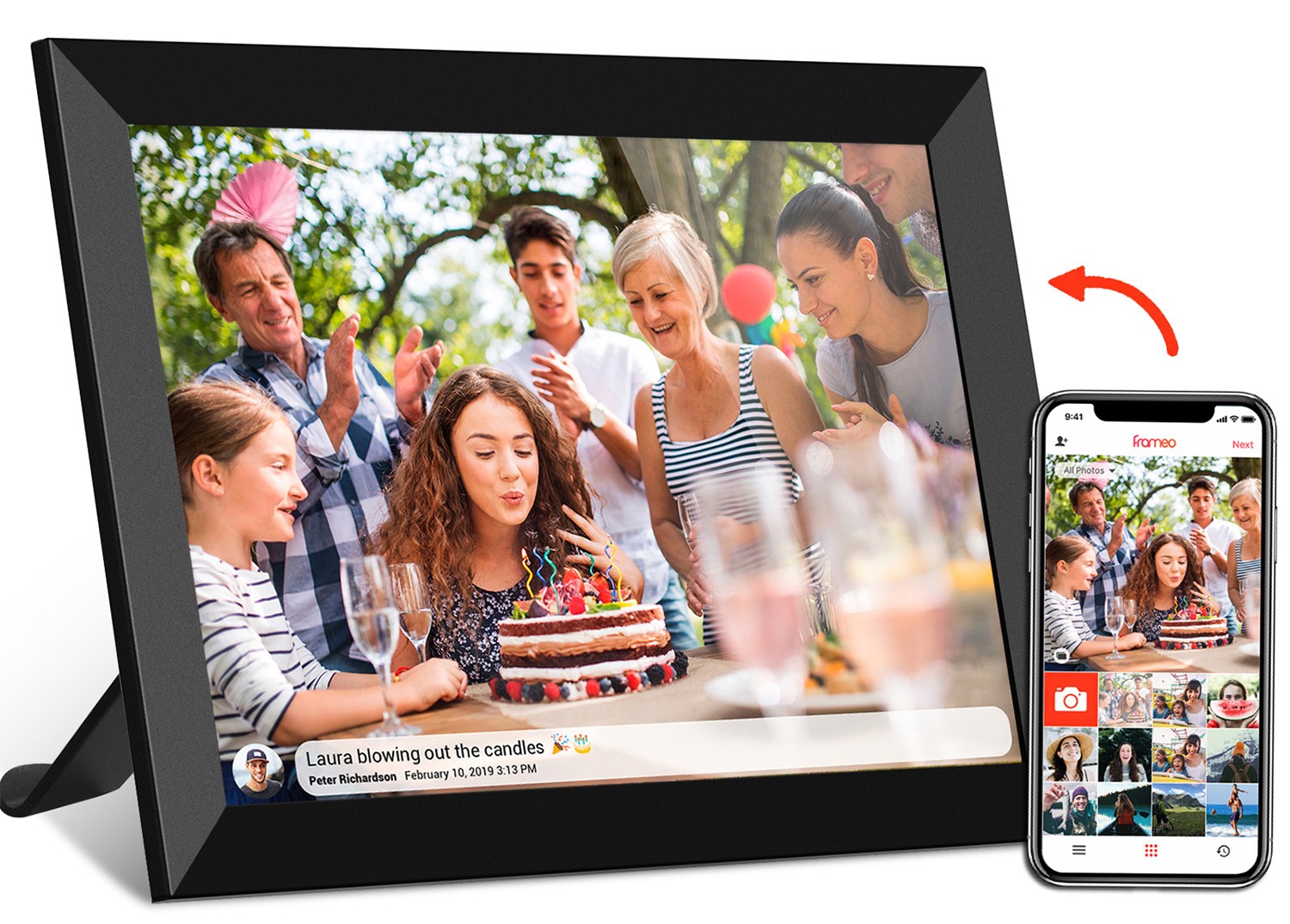
Another area where performance shines is connectivity. Most battery-powered Android tablets come with Wi-Fi 6 (or even Wi-Fi 6E) support, ensuring fast, stable connections to home or office networks. This is crucial for tasks like video conferencing, streaming 4K content, or syncing data to the cloud – like a frameo cloud frame sharing photos in real time, but on a more powerful scale. Some models even offer cellular connectivity (4G or 5G), making them truly untethered for users who need internet access on the go, such as salespeople working remotely or travelers abroad.
Multitasking is another strong suit. Android's split-screen mode, picture-in-picture, and app pairs allow users to run multiple apps at once without slowdowns. A student could take notes in Google Keep while watching a lecture video, or a professional could draft an email in Gmail while referencing a PDF in Adobe Acrobat. Even with several apps open in the background, the tablet's RAM management ensures smooth switching, so you never feel like you're sacrificing performance for convenience.
A tablet's display is more than just a screen – it's the window through which we interact with content, work, and entertainment. Battery-powered Android tablets excel here, offering vibrant, high-resolution displays that make everything from reading e-books to watching movies a pleasure. Whether you're using a compact 7-inch kids tablet or a larger 15.6-inch model for digital signage, the display quality is designed to impress.
Most modern tablets feature IPS (In-Plane Switching) or OLED panels, which provide wide viewing angles and accurate colors. This is especially important for shared use – like a family watching a movie together on a tablet or a group of colleagues reviewing a presentation on an android tablet digital signage unit. IPS displays ensure that colors don't wash out when viewed from the side, while OLED panels offer deep blacks and high contrast, making videos and images pop.
Resolution is another key factor. Many tablets now come with Full HD (1920x1080) or even 2K (2560x1600) resolutions, even in smaller sizes. A 10.1 inch kids tablet with Full HD resolution means cartoons and educational videos are sharp and detailed, reducing eye strain during long viewing sessions. For healthcare Android tablets, a clear display is critical for reading small text in patient charts or viewing medical images like X-rays or EKGs – a high-resolution screen ensures no detail is missed.
Touch responsiveness is equally important. Android tablets use capacitive touchscreens that support multi-touch gestures, like pinch-to-zoom, swipe, and tap. This makes navigating the interface, typing on the on-screen keyboard, or drawing with a stylus (like the Samsung S Pen or Google Pixelbook Pen) feel natural and intuitive. For kids, this means easy interaction with educational apps – dragging and dropping puzzle pieces or tracing letters on the screen. For healthcare professionals, a responsive touchscreen allows quick access to menus and fast data entry, even when wearing gloves (some tablets offer glove mode for this very reason).
Brightness is another consideration, especially for outdoor use. Many tablets have brightness levels of 400 nits or higher, ensuring the screen remains visible even in direct sunlight. This is a boon for users who take their tablets outside, whether it's a student studying in the park, a salesperson showing product demos at an outdoor event, or a parent keeping their child entertained during a picnic. Some models even feature adaptive brightness, which adjusts the screen based on ambient light, saving battery while maintaining visibility.
In today's interconnected world, a device is only as useful as its ability to connect to other tools, networks, and services. Battery-powered Android tablets excel here, offering a wide range of connectivity options that make them versatile and easy to integrate into various ecosystems – whether it's a home network, a hospital's IT system, or a business's digital infrastructure.
Wi-Fi is, of course, a given. Most tablets support the latest Wi-Fi standards (Wi-Fi 6 and 6E), which offer faster speeds, better range, and improved performance in crowded areas (like a busy office or a school classroom). This ensures smooth streaming, quick app downloads, and reliable cloud syncing. For example, a frameo cloud frame relies on Wi-Fi to receive photos from family members, and an Android tablet with strong Wi-Fi connectivity can do the same, allowing users to share photos, videos, and messages in real time without needing a physical connection.
Bluetooth is another staple, enabling wireless connection to accessories like headphones, speakers, keyboards, and mice. A kid using a kids tablet can pair it with Bluetooth headphones to listen to audiobooks without disturbing others. A healthcare professional might connect a barcode scanner to their healthcare Android tablet for quick patient ID verification. And for digital signage, Bluetooth can link the tablet to a portable printer for on-the-spot receipt printing or to external speakers for audio announcements.
For users who need internet access beyond Wi-Fi, some Android tablets offer cellular connectivity (4G LTE or 5G). This is ideal for professionals who work remotely, like salespeople or field technicians, as it allows them to stay connected even when there's no Wi-Fi available. It also benefits travelers, who can use a cellular-enabled tablet to access maps, translation apps, and email without relying on public Wi-Fi networks.
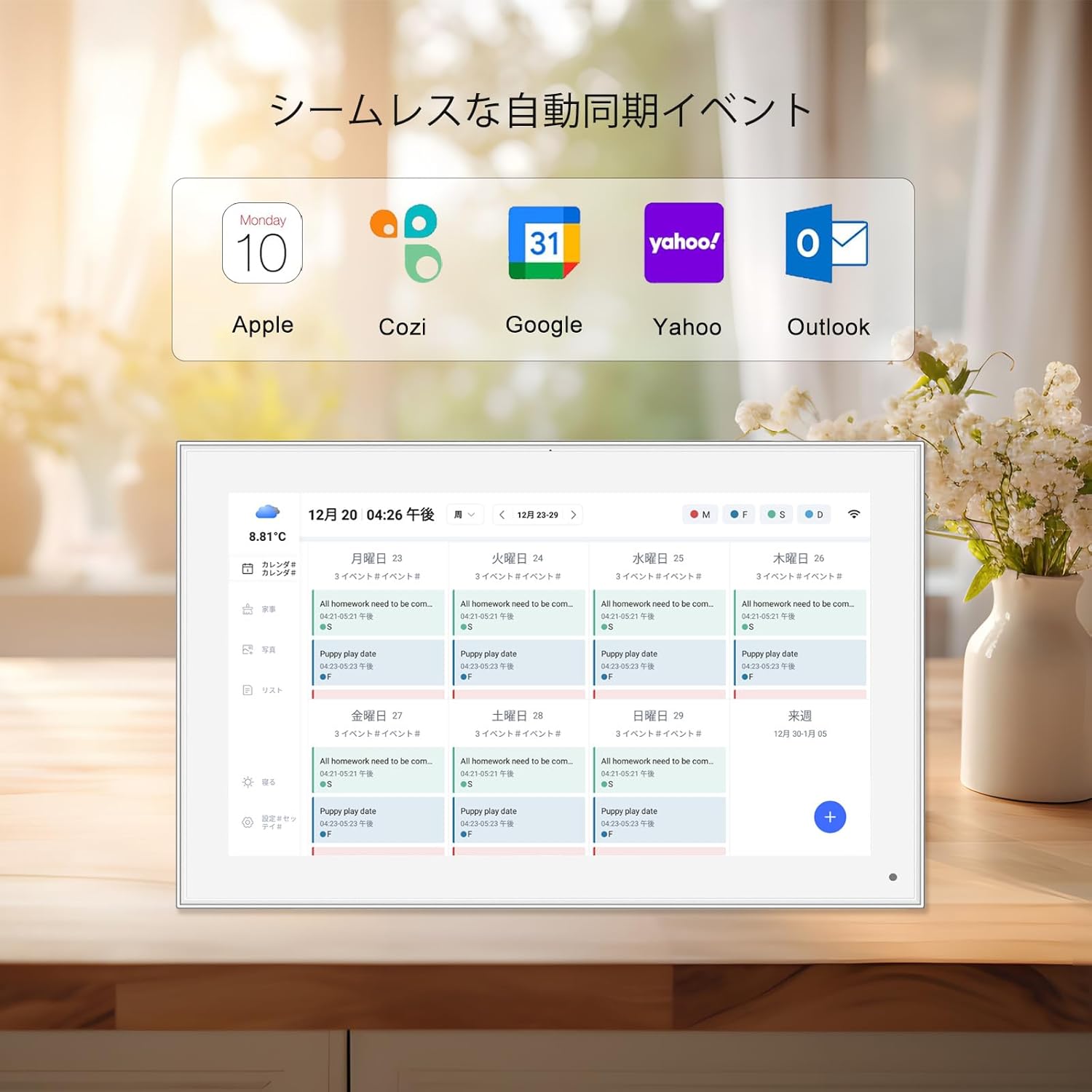
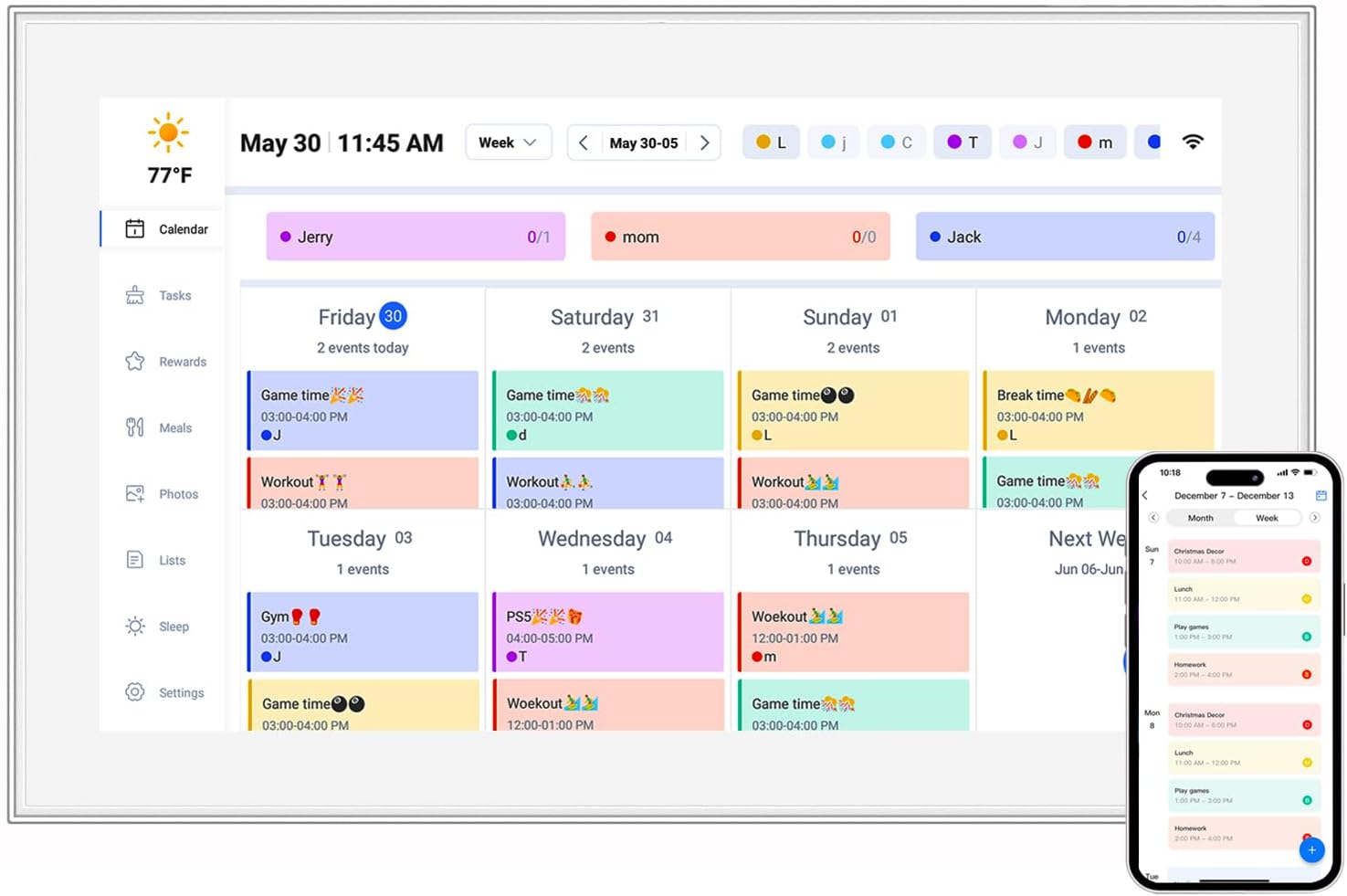
Integration with other devices and platforms is where Android tablets truly shine. Thanks to Google's ecosystem, users can sync data across devices using Google Drive, Photos, and Calendar. For example, a parent can upload a child's school schedule to Google Calendar and have it automatically appear on the kids tablet. Healthcare facilities can integrate their Android tablets with hospital information systems (HIS) or electronic health record (EHR) software, ensuring patient data is updated in real time across all devices.
In the corporate world, Android tablets can be managed remotely using mobile device management (MDM) software. This allows IT admins to push updates, install apps, and enforce security policies across all company-owned tablets, including android tablet digital signage units. For example, a retail chain can update promotional content on all its in-store tablets simultaneously, ensuring consistency across locations.
Battery-powered Android tablets have come a long way from being niche gadgets to essential tools that enhance productivity, connectivity, and entertainment across countless aspects of our lives. Their performance advantages – unmatched battery life, freedom of mobility, robust processing power, stunning displays, and seamless connectivity – make them versatile enough to adapt to the needs of kids, healthcare professionals, business owners, and everyday users alike.
Whether it's a 10.1 inch kids tablet keeping a child entertained and educated during a long trip, a healthcare Android tablet streamlining patient care in a busy hospital, or an android tablet digital signage unit revolutionizing how businesses promote their products, these devices prove that technology doesn't have to be tied to a power outlet to be powerful. They embody the idea that convenience and performance can coexist, offering a level of flexibility that was once unthinkable.
As technology continues to evolve, we can only expect battery-powered Android tablets to become even more impressive. With advancements in battery technology (like solid-state batteries), more efficient processors, and innovative software features, the future looks bright for these pocket-sized powerhouses. So whether you're in the market for a device to keep your kids busy, to streamline your workflow, or to take your digital signage to the next level, a battery-powered Android tablet is more than just a purchase – it's an investment in a more connected, mobile, and efficient way of life.