
In today's fast-paced world, where work, entertainment, and connectivity happen on the go, the demand for flexible tech solutions has never been higher. Among these, battery-powered portable displays have emerged as unsung heroes, bridging the gap between fixed screens and the need for mobility. Whether you're a remote worker juggling tasks from a café, a student studying in a library, a frequent traveler craving a home-like entertainment setup, or a parent looking for a versatile screen for the kids, these devices promise to adapt to your lifestyle. But what exactly do users look for when investing in a battery-powered portable display? Let's dive into the core needs that drive purchasing decisions, and how products like the 24.5 inch portable monitor, incell portable smart tv, and other portable monitor variants are designed to meet them.
The first and most obvious need for any portable display is, well, portability. No one wants to lug around a heavy, bulky screen that feels like a second laptop. Users prioritize devices that can slip into a backpack, tote bag, or even a large purse without adding significant weight or bulk. For example, a digital nomad hopping between co-working spaces needs a display that's light enough to carry alongside their laptop, charger, and notebooks. A parent heading to a family gathering might want something compact to keep the kids entertained during car rides or visits—something that won't take up half the trunk space.
This is where screen size and weight become critical factors. While larger screens like the 24.5 inch portable monitor offer more real estate for work or movies, they need to balance size with manageability. Many manufacturers achieve this by using slim bezels and lightweight materials like aluminum or polycarbonate. For instance, some 24.5 inch models weigh as little as 1.2kg, making them surprisingly portable despite their size. On the flip side, smaller options (13-15 inches) often weigh under 1kg, appealing to users who prioritize (ultimate) portability over screen size. The key here is that "portable" doesn't just mean small—it means convenient to move, whether that's commuting, traveling, or simply shifting from room to room at home.
Another aspect of mobility is durability. Users don't want a display that scratches easily or breaks if accidentally dropped. Features like a protective cover, reinforced corners, or scratch-resistant glass can make a big difference. Imagine a student who tosses their portable monitor into a backpack with textbooks—they need reassurance that it will survive the daily grind. Brands that highlight rugged design or include a hardshell case with the purchase instantly gain trust here.
A portable display is only useful if its screen quality doesn't let you down. Whether you're editing photos, streaming a movie, or presenting slides, users expect visuals that are crisp, bright, and color-accurate. No one wants to squint at a dim screen in a sunny café or struggle with washed-out colors when watching a favorite show. This need spans across all user groups: professionals rely on color accuracy for design or video editing, gamers demand high refresh rates to avoid lag, and casual users want an immersive experience for movies or social media.
Resolution is a top priority here. Most users look for at least Full HD (1920x1080) resolution, with some opting for 4K if they need more detail—though 4K can drain battery life faster, so there's a trade-off. Brightness, measured in nits, is equally important. A display with 300 nits or higher can handle outdoor or well-lit environments, while lower brightness might work only in dim rooms. Color gamut coverage, like sRGB or DCI-P3, ensures that images look vibrant and true to life, which is a must for photographers or graphic designers.
The incell portable smart tv is a great example of a device that caters to display quality needs. Combining the functionality of a monitor and a small TV, it often boasts features like high dynamic range (HDR) for better contrast, wide viewing angles (so everyone on the couch can see clearly), and anti-glare screens to reduce eye strain. For users who want more than just a work screen—say, a traveler who wants to stream Netflix in their hotel room—the incell portable smart tv's focus on entertainment-grade display quality makes it a standout choice.
What's the point of a "portable" display if it dies after an hour? Battery life is a make-or-break feature for most users. The ideal device should last through a full workday, a long flight, or a day trip without needing to be plugged in. Remote workers, for example, might need 6-8 hours of battery to get through meetings, emails, and document editing. Travelers could want 4-5 hours to watch a couple of movies during a cross-country flight. Even casual users expect enough juice to avoid the stress of hunting for an outlet every few hours.
Battery capacity (measured in mAh) is a key spec, but it's not the only factor. Efficient power management—like auto-brightness adjustment, low-power modes, and optimized software—plays a huge role in extending usage time. Some portable monitors also offer "battery saver" settings that dim the screen or reduce refresh rates when running low, helping users squeeze out extra minutes. Fast charging is another bonus; a device that can charge to 50% in 30 minutes is a lifesaver for those in a hurry.
Take the 24.5 inch portable monitor, for instance. Despite its larger screen size, many models in this category are equipped with high-capacity batteries (7000mAh or more) and energy-efficient panels (like IPS or OLED) to balance power and performance. Users who need a bigger display for multitasking (think split-screen work with a laptop) don't have to sacrifice battery life, making it a popular choice for professionals who value both screen real estate and mobility.
A portable display is only as useful as its ability to connect to your devices. Users hate dealing with messy cables, incompatible ports, or complicated setup processes. They want plug-and-play simplicity, with options to connect to laptops, smartphones, tablets, gaming consoles, and even cameras. USB-C has become the gold standard here, as it supports power delivery (so you can charge the display and your laptop with one cable), data transfer, and video output in a single port. HDMI ports are still important for older devices or gaming consoles like the Nintendo Switch, while wireless options like Miracast or AirPlay appeal to users who prefer a cable-free setup.
Compatibility is also key. A portable monitor should work seamlessly with Windows, macOS, iOS, and Android devices without requiring extra software or drivers. For example, a teacher using an iPad for lessons might want to mirror their screen to a portable display for the class to see—no fuss, no delays. A gamer connecting their PS5 or Xbox should experience zero lag, which depends on low input latency and high refresh rates (60Hz or higher).
Some devices, like the incell portable smart tv, take connectivity a step further by including built-in speakers, Bluetooth, and even Wi-Fi. This transforms them into standalone entertainment hubs—you can stream content directly from apps like Netflix or Disney+ without needing to connect to another device. For users who want a "set it and forget it" experience, this level of versatility is a major draw.
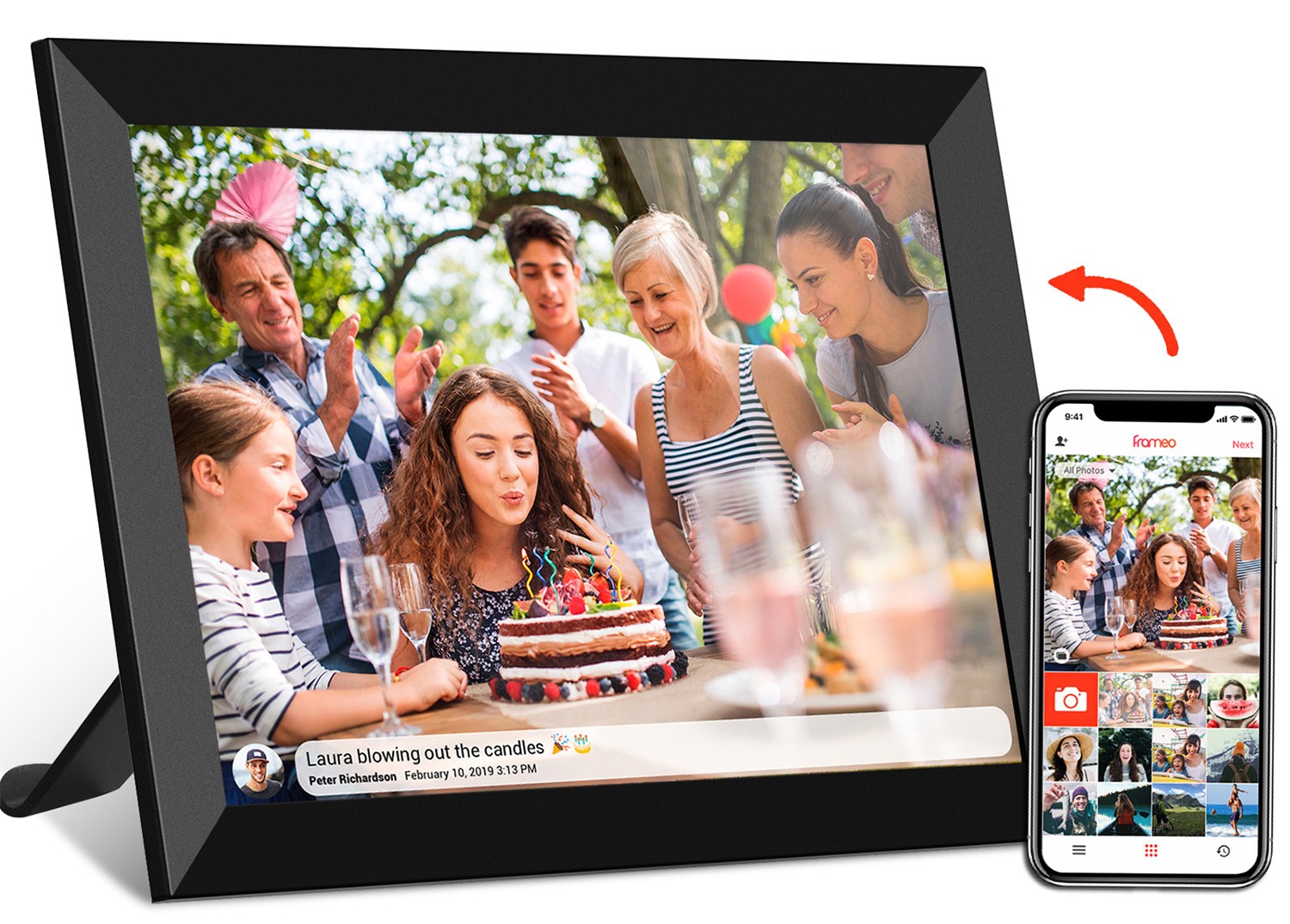
Modern users don't want single-purpose gadgets. They crave devices that can adapt to different roles: work by day, entertainment by night, and maybe even a tool for creativity or education. A portable display that doubles as a small TV, a gaming monitor, or a digital photo frame adds value and justifies the investment.
The portable monitor category excels here. Many models come with features like built-in stands (so you don't need a separate monitor arm), touchscreens for interactive use, or even stylus support for note-taking or drawing. For students, this means a device that can be used for taking lecture notes, annotating PDFs, or collaborating on group projects. For artists, a touchscreen portable monitor with pressure sensitivity can serve as a budget-friendly alternative to a dedicated drawing tablet.
The incell portable smart tv takes versatility to the next level by integrating smart TV features. With apps, streaming services, and even voice control (like Alexa or Google Assistant), it's not just a monitor—it's a complete entertainment system. Imagine setting it up in your hotel room, connecting to the hotel Wi-Fi, and watching your favorite shows as if you were at home. Or using it in the kitchen to follow a recipe video while cooking. This flexibility makes it appealing to users who want more than just a work tool.
Last but certainly not least, users need a portable display that fits their budget. While some are willing to splurge on premium features like 4K resolution, HDR, or a touchscreen, others prioritize the basics: a decent screen, long battery life, and reliable connectivity. The market offers options across price ranges, from budget-friendly 10-15 inch models to high-end 24.5 inch portable monitors with all the bells and whistles.
Value for money is key. Users want to feel that they're getting a good return on investment, whether that's through durability (so it lasts for years), versatile features (so it replaces multiple devices), or strong customer support (in case something goes wrong). Brands that offer warranties, easy returns, or bundled accessories (like a protective case or stylus) often stand out in this crowded market.
To better understand how these needs translate into product choices, let's compare three popular types of battery-powered portable displays:
| Feature | 24.5 Inch Portable Monitor | 15.6 Inch Portable Monitor (Budget Model) | Incell Portable Smart TV |
|---|---|---|---|
| Weight | 1.2-1.5kg (balanced for size) | 0.8-1.0kg (ultra-lightweight) | 1.8-2.2kg (heavier due to TV components) |
| Battery Life | 6-8 hours (work/medium use) | 4-6 hours (basic tasks) | 4-5 hours (entertainment-focused) |
| Display Quality | Full HD/4K, 300-400 nits, IPS panel | Full HD, 250-300 nits, TN panel | Full HD, HDR, 350-450 nits, wide viewing angles |
| Connectivity | USB-C, HDMI, mini DP | USB-C, HDMI | USB-C, HDMI, Wi-Fi, Bluetooth |
| Best For | Remote workers, multitaskers, gamers | Students, casual users, budget shoppers | Travelers, families, entertainment lovers |
As the table shows, each type caters to different priorities. The 24.5 inch portable monitor is ideal for users who need a large, high-quality screen for work or gaming and are willing to accept a slightly heavier build for the extra space. The budget 15.6 inch model suits those who want something affordable and ultra-light for basic tasks. The incell portable smart tv, with its smart features and entertainment focus, is perfect for users who want a screen that can do it all—work, play, and everything in between.
At the end of the day, the user needs for battery-powered portable displays boil down to adaptability. These devices must fit into your life, not the other way around. Whether you prioritize mobility, display quality, battery life, connectivity, versatility, or affordability, the key is to find a product that aligns with your daily routine. From the 24.5 inch portable monitor that turns a café table into a productivity hub to the incell portable smart tv that brings the living room to your hotel room, the best portable displays are those that feel like a natural extension of your lifestyle—seamless, reliable, and ready to keep up with whatever the day throws at you.
As technology continues to evolve, we can expect even more innovations: longer-lasting batteries, foldable screens, better integration with smart home devices, and maybe even solar-powered options. But for now, understanding these core needs is the first step toward finding the perfect portable display—one that doesn't just meet your expectations, but exceeds them.