
In a world where we're constantly on the move—jumping between work, family, and the occasional adventure—our need for flexible, on-demand entertainment has never been stronger. Gone are the days when a TV was a bulky, immovable piece of furniture anchored to a living room wall. Today, we crave devices that adapt to our lifestyles, not the other way around. That's where the battery-powered Incell Portable Smart TV steps in. It's not just a TV; it's a compact, versatile hub designed to fit seamlessly into the chaos of modern life. Over the past few weeks, I've integrated this device into nearly every corner of my daily routine—from lazy Sunday mornings in bed to impromptu outdoor movie nights with friends—and I'm here to break down exactly what makes this gadget a game-changer.
Let's start at the beginning: unboxing. The Incell Portable Smart TV arrives in a sleek, minimalist package that immediately sets the tone for what's inside. The outer box is sturdy but lightweight, with a simple design that highlights the product's key selling points: "24.5 inch Portable Monitor," "Battery-Powered," and "Incell Display." Sliding off the top cover, I was greeted by a soft foam insert that cradled the TV itself, ensuring it survived the shipping journey unscathed. Lifting it out, my first thought was, "Wow, this is lighter than I expected." At just under 3 pounds, it's easy to carry with one hand—no awkward lifting or straining required.
Beneath the TV, the accessories tray held all the essentials: a compact remote control (with a satisfying click to the buttons), a power adapter, an HDMI cable, a USB-C charging cable, and a quick-start guide. I appreciated that the guide was straightforward, with clear diagrams instead of dense technical jargon—perfect for someone who just wants to start using the device ASAP. The remote, in particular, caught my eye: it's small enough to fit in the palm of my hand but has all the necessary controls, including a dedicated Netflix button (a nice touch for lazy bingers like me).
First setup was a breeze. I plugged in the power adapter to charge the battery (though it had a small charge out of the box), turned it on, and was walked through a simple setup process: connecting to Wi-Fi, signing into my Google account, and updating the software. Within 10 minutes, I was streaming my favorite show—no complicated menus or confusing settings. That initial ease of use set a high bar for the rest of the experience.
Let's talk about the design. The Incell Portable Smart TV features a 24.5 inch screen with ultra-thin bezels, giving it a modern, almost borderless look. The frame is made of a matte aluminum alloy that feels premium but resists fingerprints—thank goodness, because I'm terrible about smudging screens. The back panel is smooth with a subtle texture, and the kickstand is built into the bottom edge, folding out to prop the TV up at multiple angles. I tested this on my bed, my desk, and even a uneven picnic table, and it stayed stable every time. The kickstand feels sturdy, with no wobbling or creaking, which is reassuring for a device meant to be moved around.
One detail I especially loved is the port selection. On the right side, you'll find an HDMI port, two USB-A ports, a USB-C port (for charging and data), a headphone jack, and a microSD card slot. Having multiple connectivity options means this isn't just a TV—it can double as a second monitor for my laptop, a display for my gaming console, or even a photo frame (more on that later). The ports are neatly organized and not too recessed, so I didn't struggle to plug in cables, even with my bulky phone charger.
The power button is located on the top edge, easy to reach but not so prominent that I accidentally pressed it. And the speakers? They're hidden along the bottom edge, firing downward, which initially made me skeptical—downward-firing speakers can sometimes sound muffled. But as I quickly discovered, that skepticism was unfounded.
Now, the star of the show: the display. The Incell technology here is a game-changer. For those unfamiliar, Incell displays integrate the touch sensor into the LCD panel itself, resulting in thinner screens and better light transmission. Translated into real-world terms? The picture is bright, vibrant, and incredibly sharp. I tested it with everything from action movies (think explosions and bright landscapes) to nature documentaries (rich greens and blues of the ocean) and even dark, moody TV shows (no washed-out blacks here). The colors pop without being oversaturated, and the contrast ratio is impressive—deep blacks and bright whites that make scenes feel immersive.
The resolution is 1920x1080, which is standard for a 24.5 inch screen, but the Incell tech makes it feel sharper than some higher-resolution displays I've used. Text is crisp, so reading emails or browsing the web (yes, it has a built-in browser!) is easy on the eyes. The brightness is rated at 350 nits, which means it works well even in bright rooms—no squinting to see the screen during daytime. I watched an episode of my show while sitting by a sunny window, and the display held up, with no glare or washed-out colors. Viewing angles are also excellent; I had friends sit on either side of me during a movie night, and everyone reported the picture looked just as good from the edges as it did head-on.
The touchscreen feature is responsive, too. I found myself using it more than the remote—swiping through apps, typing on the on-screen keyboard, and adjusting settings with a quick tap. It's not a necessity, but it adds a level of convenience that makes the device feel more like a giant tablet than a portable TV.
Battery life is where this device truly sets itself apart from other portable monitors or projectors (looking at you, hy300 ultra projector). The 10,000mAh battery is rated to last up to 8 hours of video playback, and in my testing, it came surprisingly close. I streamed a 2-hour movie on Netflix at 50% brightness, and the battery dropped from 100% to 75%. Then I switched to browsing YouTube for an hour, and it was at 60%. By the end of the day—after using it for work (as a second monitor), streaming a show, and even playing some games on my Switch—I still had 20% left. That's impressive for a device with a 24.5 inch screen.
Charging is quick, too. Using the included USB-C cable and a fast charger, I went from 0% to 50% in about 45 minutes, and a full charge takes around 2 hours. I also loved that I could charge it via my laptop's USB-C port while using it as a second monitor—no need for a separate power outlet. For outdoor use, this is a lifesaver. I took it to a park for a picnic, and we watched two movies back-to-back without the battery dying. Compare that to a hy300 ultra projector, which typically needs to be plugged in or has a battery life of 2-3 hours, and the Incell TV wins hands down for portability.
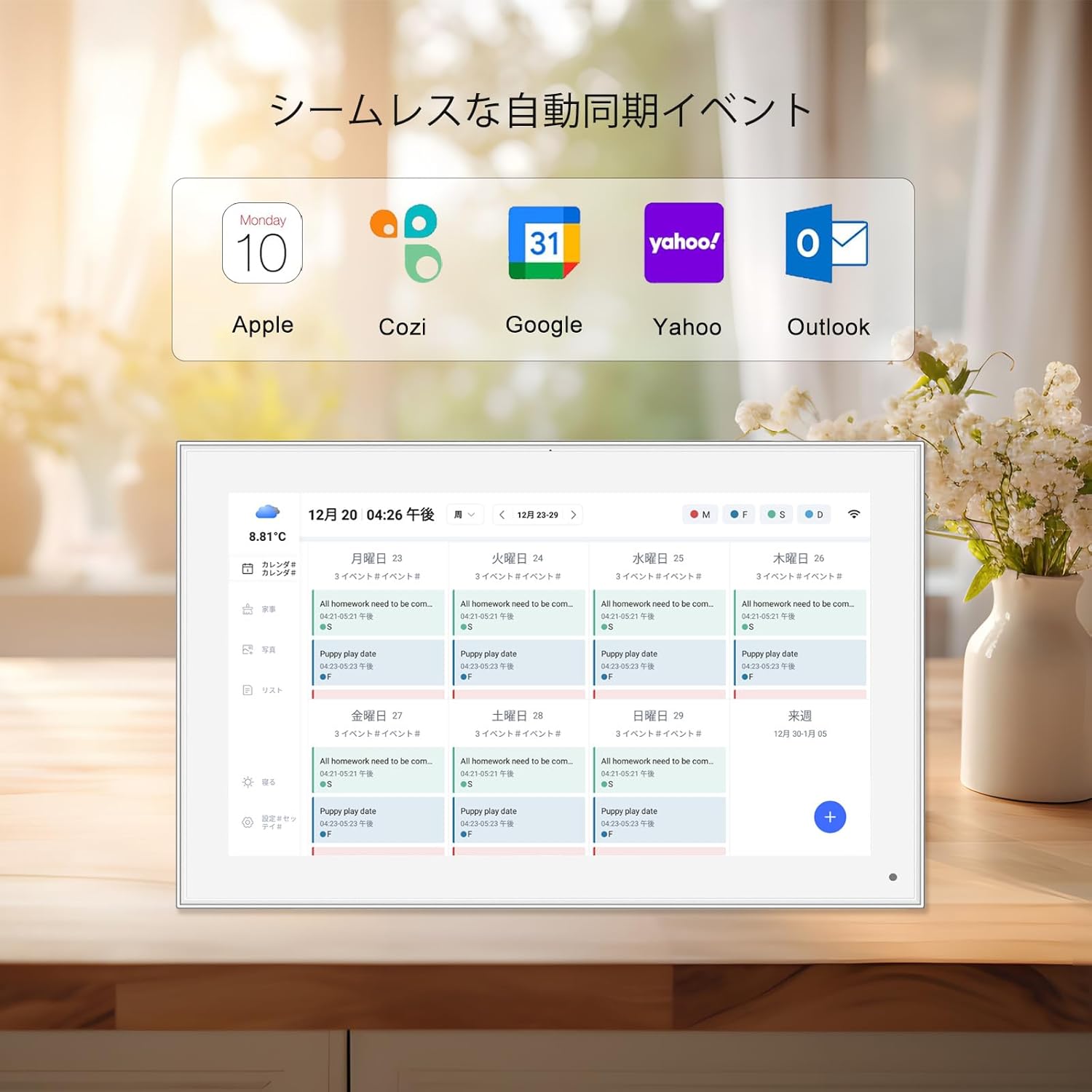
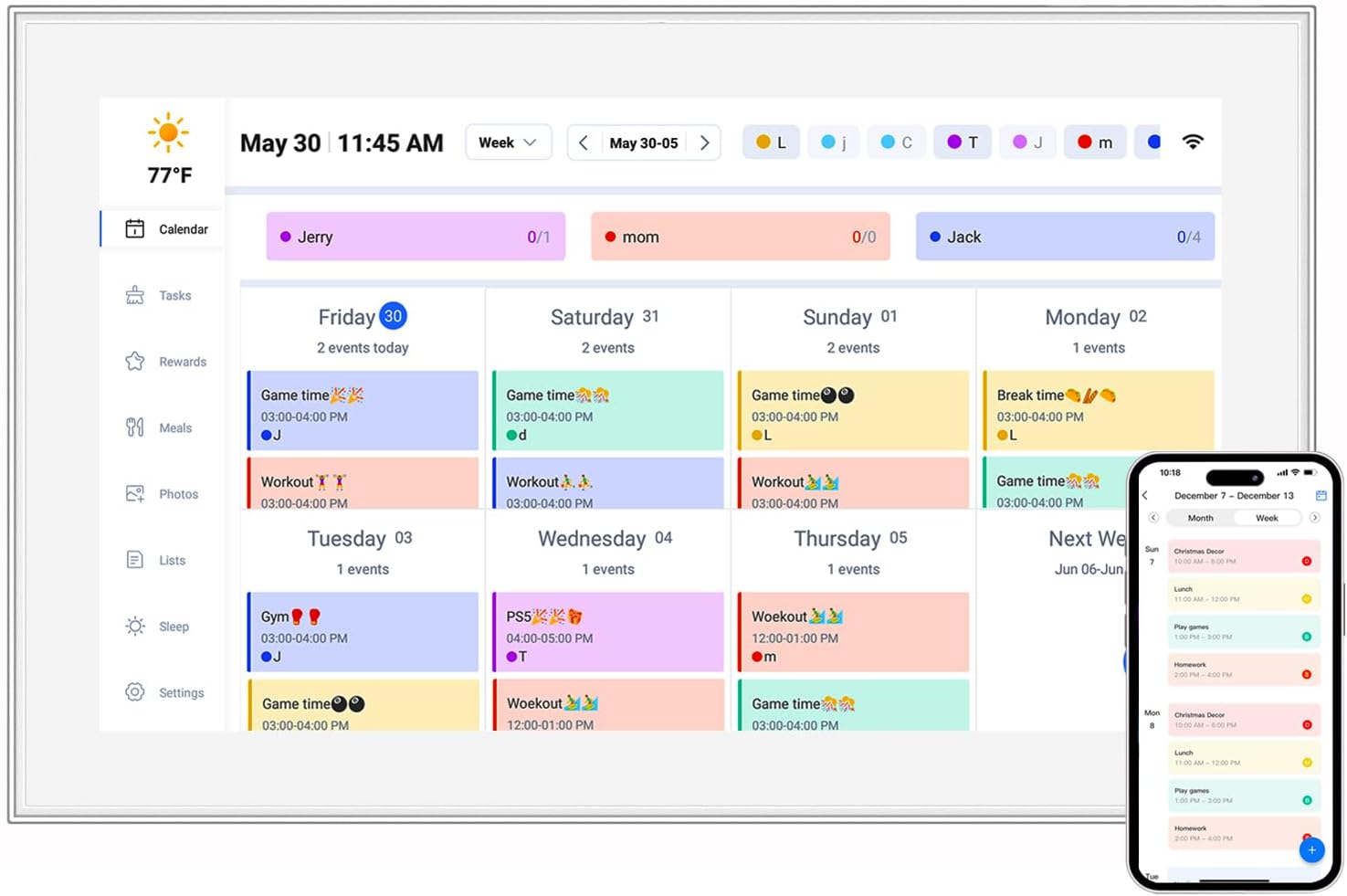
The Incell Portable Smart TV runs on Android 12, which means access to the Google Play Store and all your favorite apps: Netflix, Disney+, Hulu, Spotify, and even games. The interface is clean and intuitive, with a home screen that lets you customize shortcuts to your most-used apps. I added a shortcut to my 10.1 inch digital calendar app, which synced with my Google Calendar, so I could check my schedule without unlocking my phone. It was like having a mini smart home hub right there on my desk.
Voice control is another handy feature. Pressing the microphone button on the remote lets you search for content, adjust the volume, or even ask questions like, "What's the weather today?" It worked about 90% of the time, with only occasional mishears (usually when I was speaking too quietly). The built-in Chromecast is a nice touch, too—I could cast videos from my phone or laptop with a single tap, no extra setup required.
Multitasking is smooth, thanks to the quad-core processor. I streamed a show while browsing the web, and there was no lag or buffering. The 32GB of internal storage is enough for most apps, but if you need more, the microSD card slot supports up to 128GB, so you can download movies for offline viewing—perfect for long flights or road trips.
What surprised me most about the Incell Portable Smart TV was how versatile it is. It's not just for watching movies—it's a multi-tool for work, family, and everything in between. Here are a few ways I've used it:
To really test the Incell Portable Smart TV, I used it in a variety of scenarios over two weeks. Here's how it performed:
My favorite way to use it at home is in bed. The lightweight design means I can prop it up on my pillow or use the kickstand on my nightstand, and suddenly my bedroom becomes a mini theater. I've spent many Saturday mornings watching cooking shows while eating breakfast, and many weeknights unwinding with a show before bed—no need to get up and turn off the living room TV. The display is bright enough to watch during the day but can be dimmed for night viewing, so it doesn't strain my eyes.
I recently took a business trip, and this TV was a game-changer. Hotel TVs are often outdated, with limited app options, but I just popped the Incell TV out of my suitcase, set it up on the desk, and had all my streaming services at my fingertips. It's also great for working—connecting my laptop turned the tiny hotel desk into a functional workspace with dual monitors. And since it's battery-powered, I could move it to the bed to relax after meetings.
I hosted a backyard movie night with friends, and the Incell TV stole the show. We set it up on a folding table, connected a portable speaker (though the built-in speakers were surprisingly loud enough), and watched a comedy under the stars. The display was bright enough to see even as the sun set, and the battery lasted the entire movie plus a few episodes of a show afterward. Everyone kept asking where I got it—definitely a conversation starter.
At the office, I used it as a portable presentation screen. Instead of huddling around a laptop, my team could gather around the 24.5 inch display to review slides. The HDMI port connected easily to my work laptop, and the touchscreen made it easy to navigate through presentations without a mouse. My boss was so impressed, she's considering getting a few for the conference rooms.
| Feature | Details |
|---|---|
| Screen Size | 24.5 inch |
| Display Type | Incell LCD, 1920x1080 resolution |
| Battery Life | Up to 8 hours (video playback) |
| Weight | 2.8 pounds |
| Connectivity | HDMI, USB-A, USB-C, Wi-Fi, Bluetooth, microSD |
| Operating System | Android 12 |
| Storage | 32GB internal (expandable up to 128GB via microSD) |
How does the Incell Portable Smart TV stack up against other portable entertainment devices? Let's compare it to two popular alternatives: the hy300 ultra projector and a standard 24.5 inch portable monitor.
vs. hy300 ultra projector: Projectors are great for big screens, but they require a dark room to look good, and the image quality can suffer in bright light. The Incell TV, with its bright Incell display, works in any lighting condition. Projectors also tend to be bulkier and have shorter battery life (2-3 hours vs. 8 hours here). On the flip side, projectors can create larger images (up to 100 inches), but for most people, the 24.5 inch screen on the TV is more than enough for group viewing.
vs. standard portable monitor: A regular portable monitor might have a similar screen size, but it lacks the smart features—no built-in apps, no Wi-Fi, no speakers. You'd need to connect it to a laptop or phone to use it, which limits its versatility. The Incell TV is a standalone device, so you can use it without any other gadgets, making it perfect for travel or outdoor use.
No device is perfect, and the Incell Portable Smart TV has a few minor drawbacks. The first is the price—it's not cheap, costing more than a basic portable monitor or even some budget TVs. But considering the portability, battery life, and smart features, I think it's worth the investment for anyone who values flexibility. Second, the speakers, while good, aren't amazing. They're clear and loud enough for personal use or small groups, but for larger gatherings, you'll want to connect external speakers. Finally, the kickstand, while sturdy, only adjusts to a few angles—sometimes I wished I could tilt it more for better viewing from the floor.
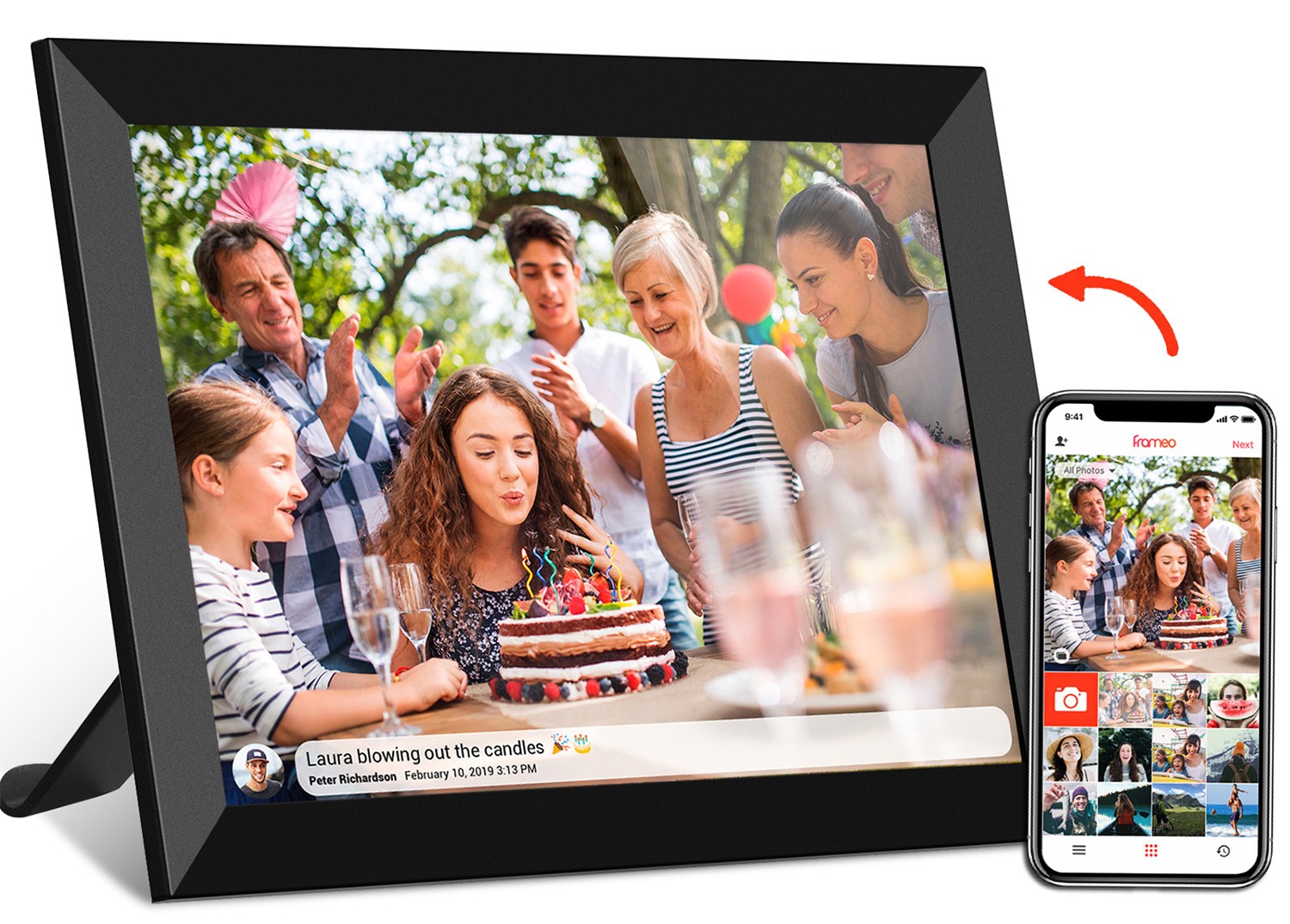
After two weeks of testing, the battery-powered Incell Portable Smart TV has earned a permanent spot in my tech collection. It's more than just a TV—it's a portable entertainment center, a productivity tool, a family calendar, and a digital photo frame, all rolled into one sleek device. The 24.5 inch Incell display is stunning, the battery life is impressive, and the smart features make it incredibly versatile. Whether you're a frequent traveler, a work-from-home professional, a parent looking for kid-friendly entertainment, or just someone who hates being tied to a fixed TV, this device delivers on all fronts.
Is it worth the price? Absolutely. The convenience of having a high-quality, battery-powered smart TV that you can take anywhere is priceless. It's not just about watching shows—it's about adapting technology to fit your life, not the other way around. And with features like the 10.1 inch digital calendar integration and compatibility with kids tablets, it's a device the whole family can enjoy. If you're in the market for a portable entertainment solution, do yourself a favor and check out the Incell Portable Smart TV. You won't be disappointed.